eBook
How to Use the Admin Console in Payara Server
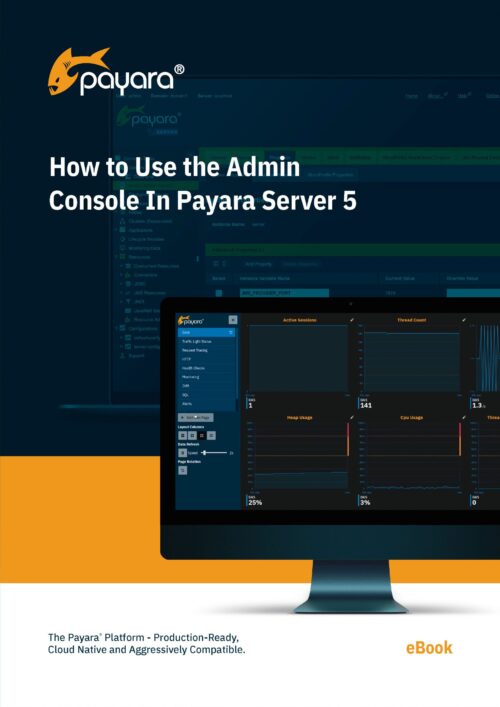
Payara Server comes with many configuration options.
It has more than 100 commands to configure all the different aspects. From changing the memory usage of the JVM, configuring the ports that accept the user requests, the JDBC connection pool configuration, monitoring system, and the additional instances that run your application. The Admin Console, a graphical UI, allows you to configure and monitor your Payara Server environment from within the browser. It gives you an overview of all the different aspects the server handles and allows you to configure the server using an easy-to-use interface.
Related Resources
Explore expert tips, webinars, and product updates to help you build, deploy, and scale modern enterprise Java applications faster.